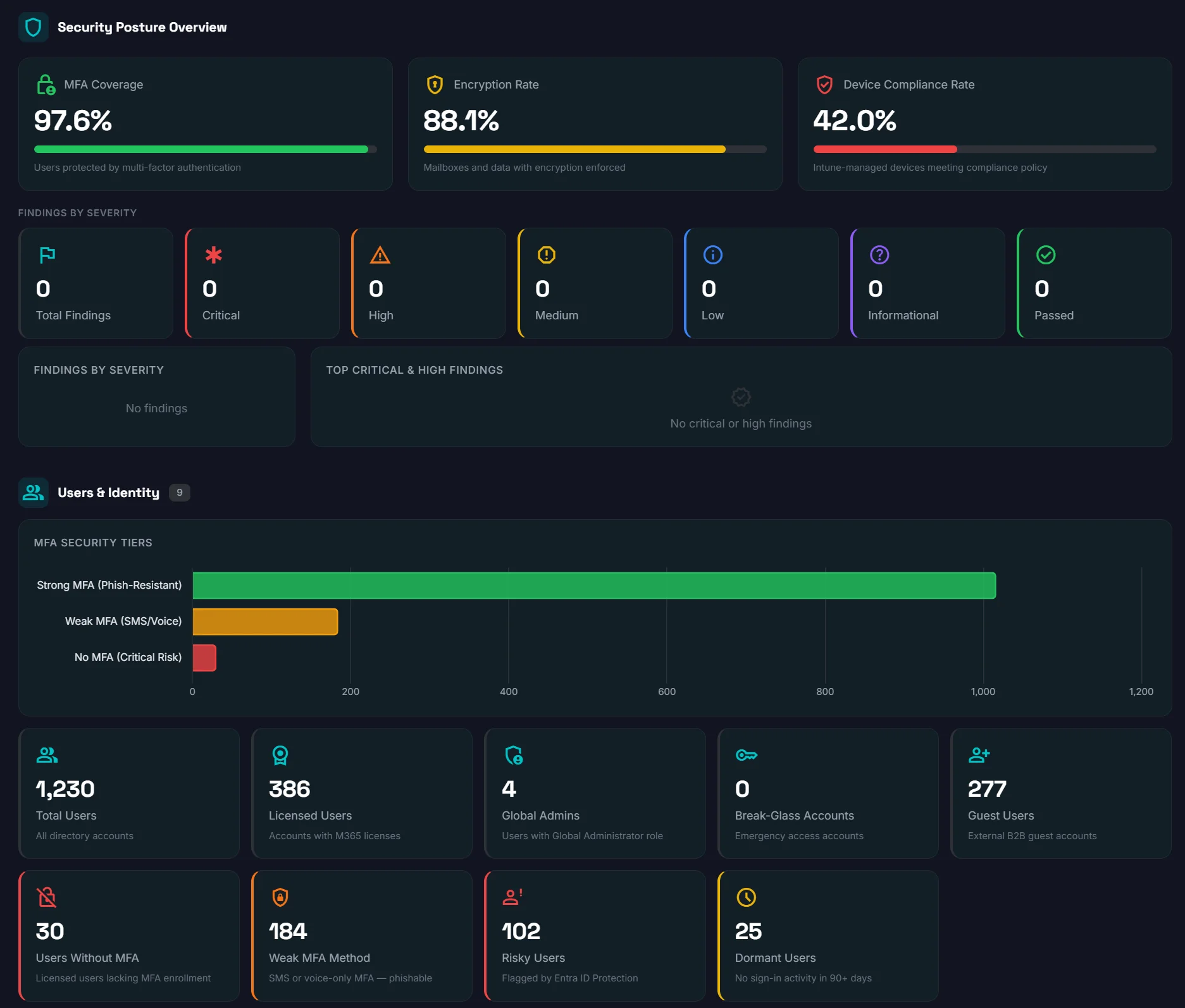
Start Your 14-Day Free Trial
Fill in your details and you'll be scanning in under 60 seconds.
120+ security scans·3 compliance frameworks·Results in 10 minutes
What happens next
1
Sign in with Microsoft
2
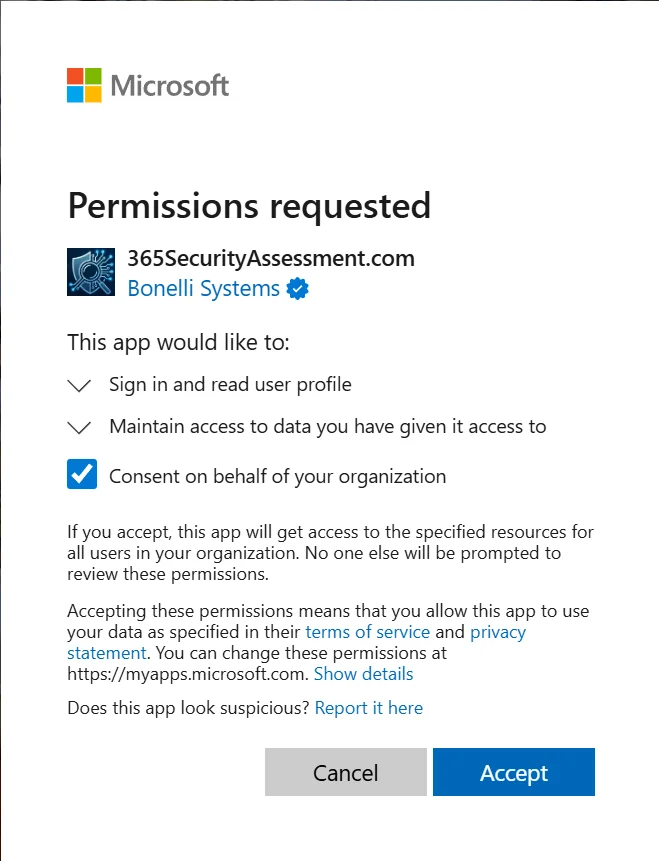
Accept 2 permission prompts
Results in ~10 minutes
No credit card
Zero changes to your tenant
30-day portal access
 Built by Bonelli Systems — 4x Microsoft Solutions Partner
Answer first
Short answer
Sign up for your free M365 security assessment. Results in under 10 minutes. No credit card required.
The onboarding page explains the connection steps and permission context buyers should review before starting an assessment.
- Who it helpsProspects, procurement teams, MSPs, and security reviewers performing due diligence
- What you getA transparent evaluation path with product proof and next-step context
- Next stepReview the sample report
What the setup looks like
The same six-step flow from the free trial page, right here.
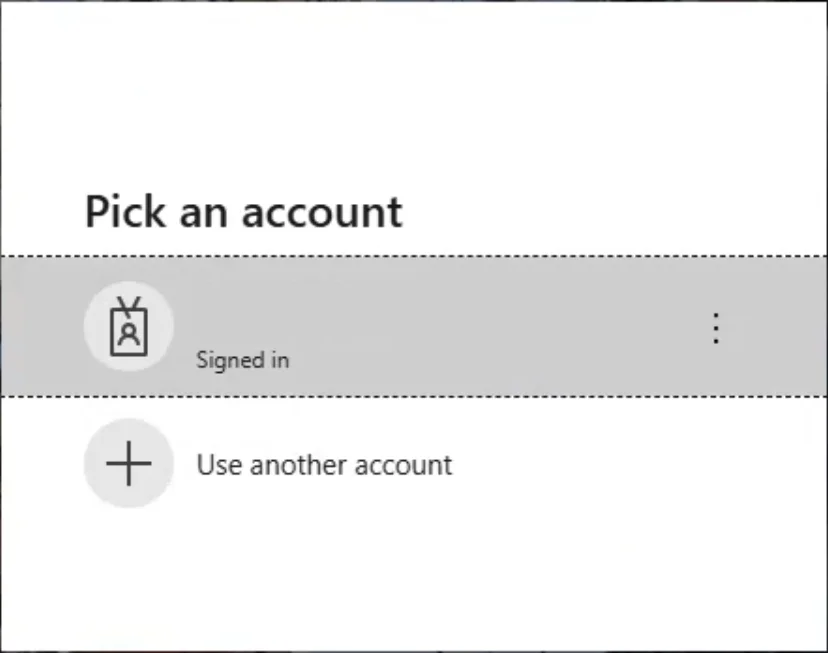
Security and IT reviewers can see the exact sign-in, consent, setup, scan, and dashboard flow before they start.
Step 1 · Microsoft sign-in
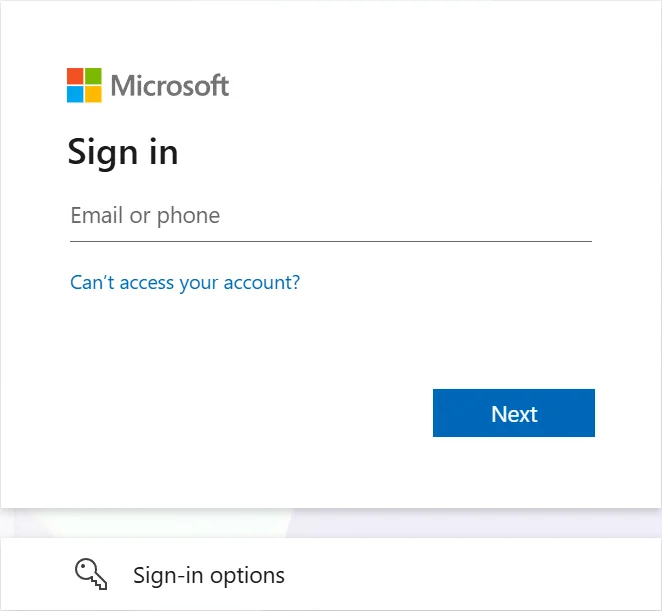
Step 2 · SSO permissions
Step 3 · Pick account
Step 4 · Setup permissions
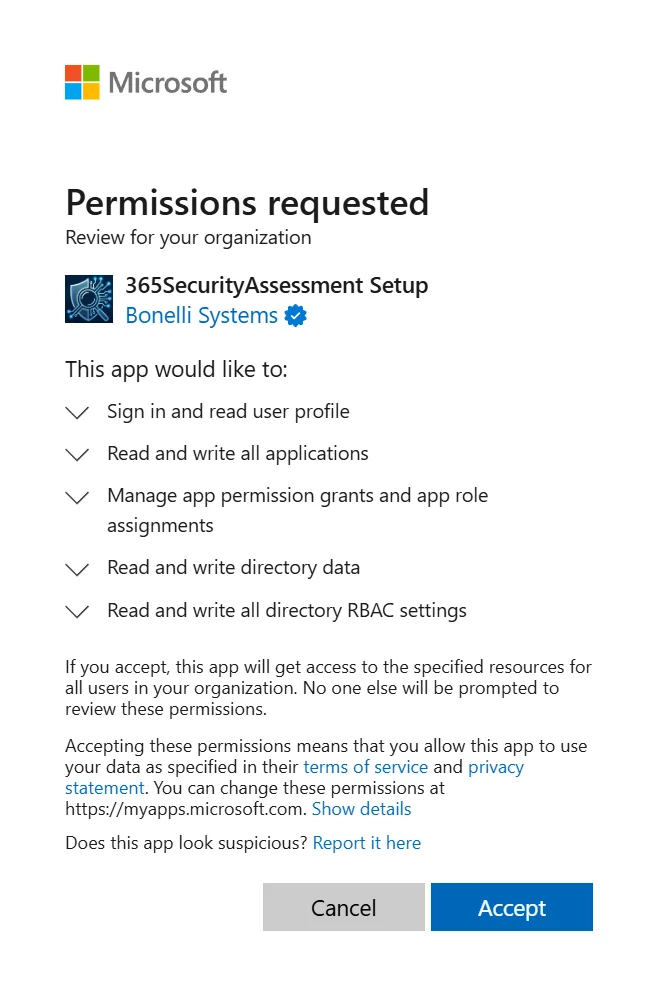
Step 5 · Running assessment
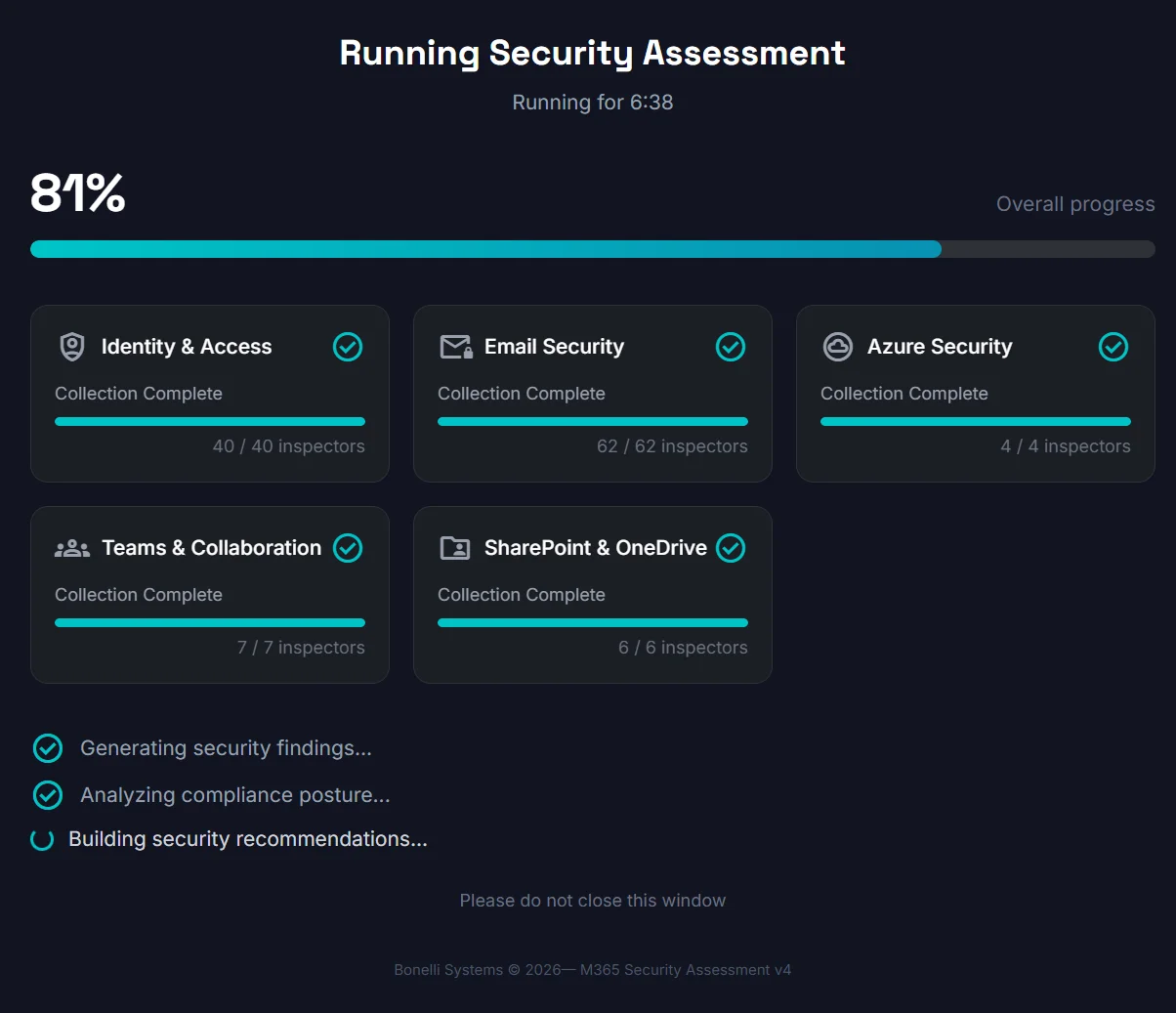
Step 6 · Security dashboard